




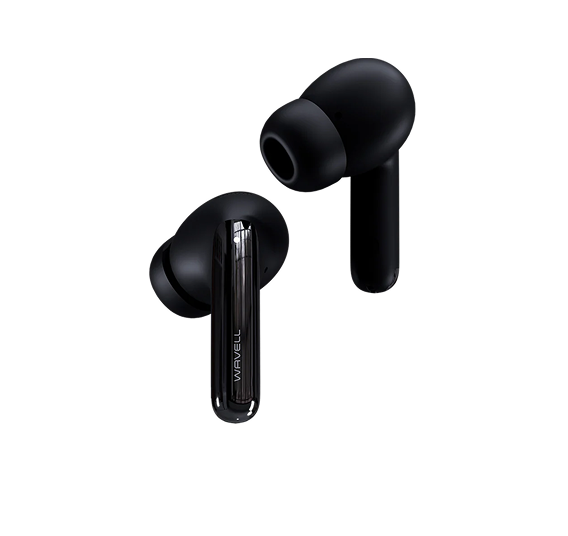
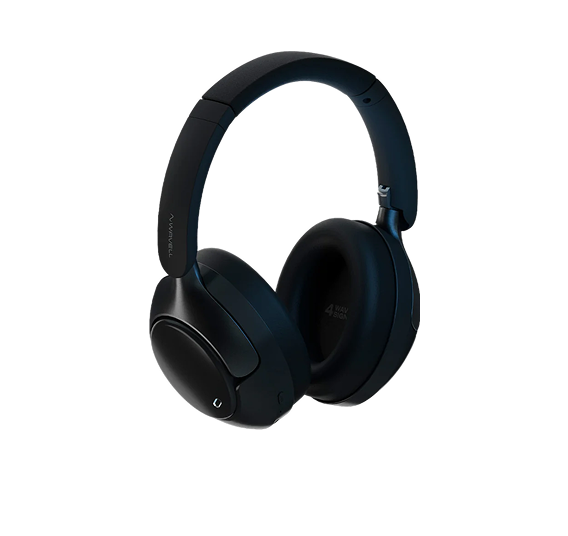
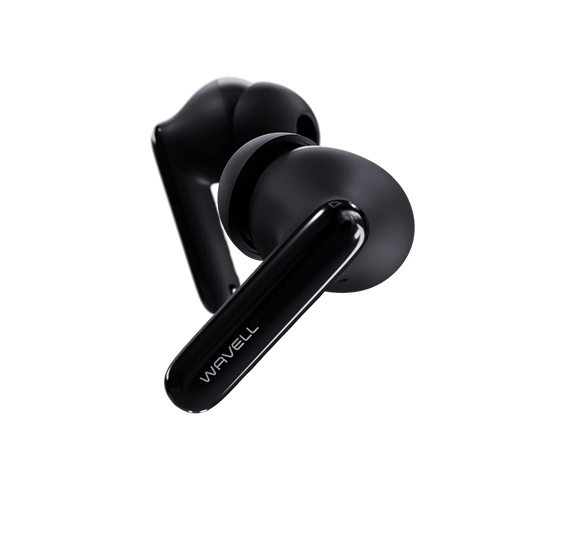
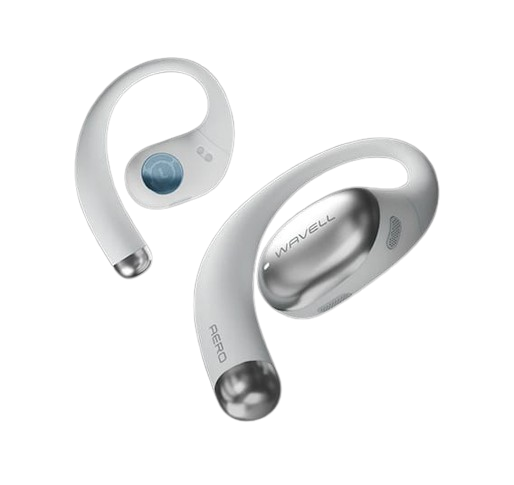



WAVELL ONE & BLACK EDITION
This is a collection of the most frequently asked questions about Wavell ONE
If, contrary to expectations, you can't find the answer you're looking for, please feel free to send us a message using the contact form below.
Specifications
SOUND
Sensitivity
120+5 dB
Frequency
20–20,000 Hz
Bluetooth profiles
A2DP/AVRCP/HFP/HSP
Formats
aptX / AAC / SBC
Impedance
32Ω
GENERAL
Bluetooth Name
My Wavells
Range
10 meters
Size TWO
25.5 × 19 × 18 mm
Case size
58 × 40 × 30.6 mm
BATTERY
Earphones:
Playback time
7+ hours
Charging time
30 minutes
Capacity
3.7V/60mAh
Case:
Number of charges for TWO
4 times
Charging time
45 minutes
Capacity
750 mAh
Charger input
USB-C
Power Input
5V DC
TECHNOLOGY
Chipset
Qualcomm
Bluetooth version:
Bluetooth 5.0
Wireless Frequency
2402–2482 MHz
Instructions
QUICK START
1. Put your Wavells in the case
2. Wait about 2 seconds (until the indicator light is solid red)
3. Take your Wavells out of the case and wait for the light to start flashing.
4. Connect to “My Wavells” in your Bluetooth settings.
5. Play some music and enjoy your Wavells
CHARGING
There are two ways to charge the Wavell TWO:
1. Using a USB-C charging cable plugged into the USB-C port on the case.
2. Via wireless charging, where the coil is located at the bottom of the case, which means it must be placed upright (with the lid on top). When the case is placed on a wireless charger, it will charge wirelessly.
A common feature of the charging methods is that the indicator light on the back will light up to show how much power is left in the case. (1 dot is 25%, 2 dots is 50%, 3 dots is 75%, and 4 dots is 100%)
RECOVERY
1. Put your Wavells in the case and open the lid
2. Hold down both buttons for about 7 seconds (do not release until both Wavells have flashed red)
3. Go to your Bluetooth settings and forget "My Wavells"
4. Take your Wavells out of the case and wait for the light to start flashing.
5. Connect to “My Wavells” in your Bluetooth settings.
6. Play some music and check to see if the problem has been resolved.
Feel free to repeat the process 2–3 times if it doesn't work the first time.
Need more help?