




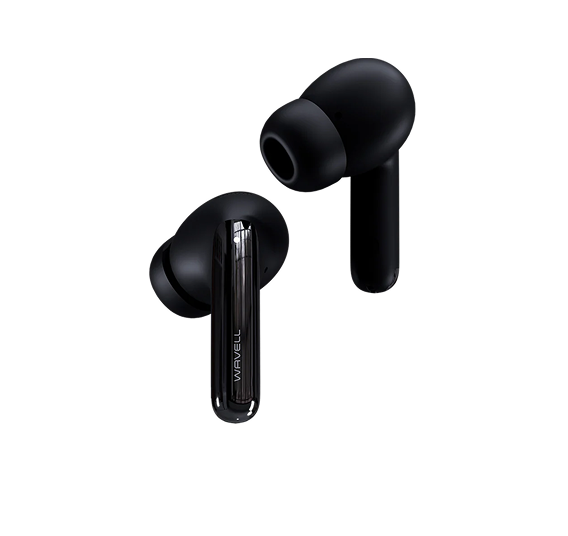
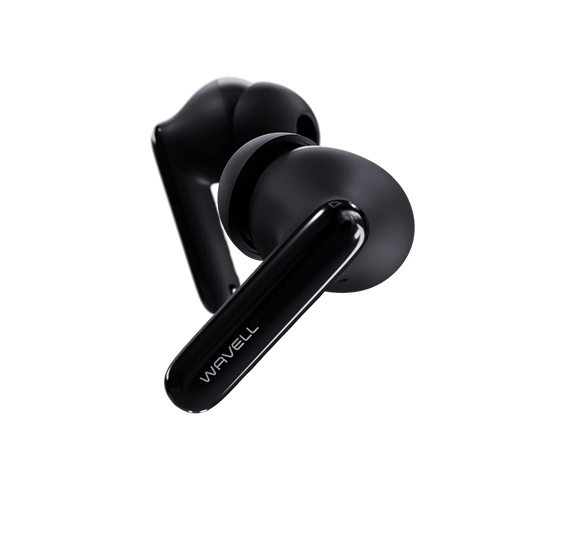



Wavell 3 Core
Frequently Asked Questions
Thank you so much for using Wavell 3 Core. Technology can sometimes be a bit of a hassle, but fortunately, these issues can usually be resolved quickly and easily.
Why is there no sound, or why does the volume fluctuate?
- To resolve this issue, first make sure that the audio level (balance) is evenly distributed between the earbuds. You can check this under "Balance" in your phone's audio settings.
- If the balance is set correctly but the problem persists, the cause may be a buildup of earwax on the filter over the audio output. You can see this filter by removing the ear tip from the earbud. If the filter appears dirty, it can be gently cleaned using our audio cleaning tool or a fine needle and a microfiber cloth. Be careful, however, as the filter is fragile and improper handling can damage it.
How do I adjust the sound or equalizer settings?
- To customize the sound on your Wavell 3 Core earbuds, you can use our dedicated app, which you can download here. The app lets you fine-tune the audio settings exactly the way you like them.
- In addition, most music apps also have their own built-in equalizer (EQ), which gives you even more options for customizing the sound to suit different music genres or your personal preferences. You can therefore switch between different sound profiles directly within the app you use to play music
What should I do if I can't connect to the Wavell app?
- To connect to the Wavell app, first make sure the earbuds are out of the case and that you’re in the app. It’s important that you grant the app permission to use Bluetooth; otherwise, the connection cannot be established.
- If your device is already connected to your phone but the earbuds won't connect to the app, it may be because the earbuds have automatically gone into sleep mode to conserve battery life. This issue can be easily resolved by pausing and then resuming music playback (press the pause and play buttons on the earbuds in quick succession). Your earbuds should then be able to connect without any problems. Make sure you’re in the app.
How do I switch between paired devices?
To switch between devices or connect to a new device, do the following:
- Turn off Bluetooth on the device your headphones are currently connected to. This will cause the headphones to automatically search for and enter pairing mode with a new device.
I'm having problems: How do I reset my device?
To reset your Wavell 3 Core, follow these steps:
- Go to the Bluetooth settings on your device and select "Forget/Delete" for the headphones.
- Place the earbuds in the case.
- Press both earbuds 5 times at the same time until both LEDs flash white 5 times.
The headphones have now been restored and are ready to pair again.
I can't find my manual
No problem, you can download a new one here
I've lost my case. What should I do?
Oh no! But don't worry—you don't have to buy a whole new pair; you can just buy a new case. here