




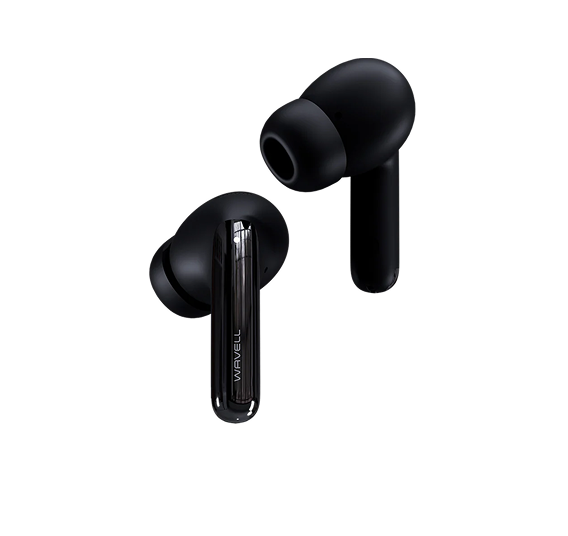
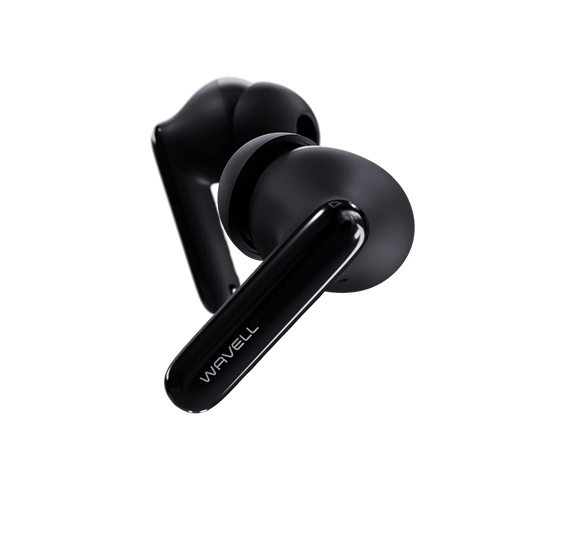



Wavell 3 Light Comfort
Frequently Asked Questions
Thank you so much for using Wavell 3 Light Comfort. Technology can sometimes be a bit tricky, but fortunately, these issues can usually be resolved quickly and easily.
My earbuds won't turn off in the charging case. What should I do?
To resolve the issue of earbuds that do not turn off automatically when placed in the case, you should first make sure the case is charged. In addition, there are a few steps you can take to ensure good contact between the earbuds’ diodes and the case’s pins:
- If the silicone cover on the earbuds' diodes extends over the edge and covers the connection points, pull the silicone down slightly, so that it is flush with or below the surface of the diodes, and most importantly, make sure it does not cover the connection points.
- There may also be dirt or earwax on the diodes or pins, which can prevent a good connection. Please try cleaning them with our cleaning tool or with a needle and a cloth to ensure that the connection is clear and unobstructed.
How do I fix the problem of no sound or fluctuating sound levels?
To resolve this issue, first make sure that the audio level (balance) is evenly distributed between the earbuds. You can check this under "Balance" in your phone's audio settings.
If the balance is set correctly but the problem persists, the cause may be a buildup of earwax on the filter over the audio output. You can see this filter by removing the ear tip from the earbud. If the filter appears dirty, it can be gently cleaned using our audio cleaning tool or a fine needle and a microfiber cloth. Be careful, however, as the filter is fragile and improper handling can damage it.
I can't connect to the app. What should I do?
The Wavell 3 Light Comfort is not compatible with the Wavell Connect app, as this model is designed to be extremely compact. As a result, there was not enough space to include a chip that supports app control in these earbuds.
How do I switch between different paired devices?
To switch between devices or connect to a new device, you can use the following method:
Turn off Bluetooth on the device your headphones are currently connected to. This will cause the headphones to automatically search for and enter pairing mode with a new device.
I'm having problems: How do I reset my device?
- Be sure to disconnect (forget the device) your headphones from the devices they are normally connected to.
- Open the case where you usually store your headphones.
- Take both earbuds out of the case and make sure they aren't connected to anything.
- Tap one of the earbuds twice quickly and precisely.
- The earbuds will now light up briefly for a few seconds. If only one earbud lights up, tap the other one twice so that it lights up as well. When both earbuds are lit steadily, it means they have been reset.
- Put them in the case and take them out again
- The headphones have now been restored. If the problem isn't immediately resolved the first time, please try again.
I can't find my manual
No problem, you can download a new one here
I've lost my case. What should I do?
Oh no! You don't have to buy a whole new pair. You can buy a case here