




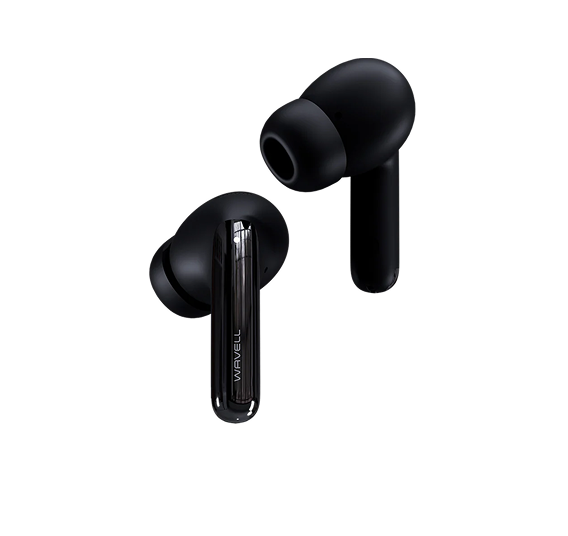
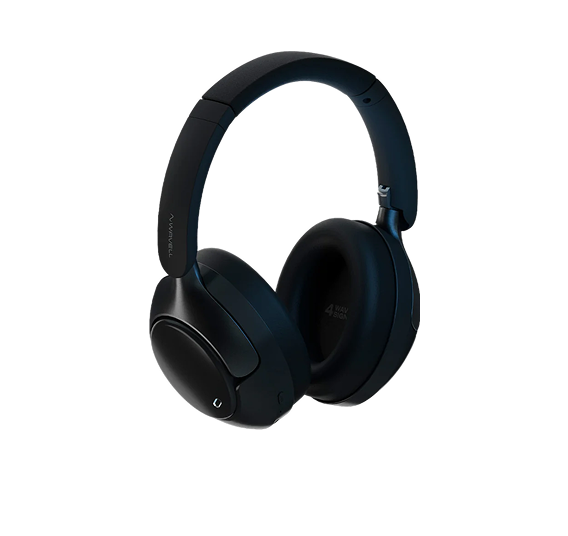
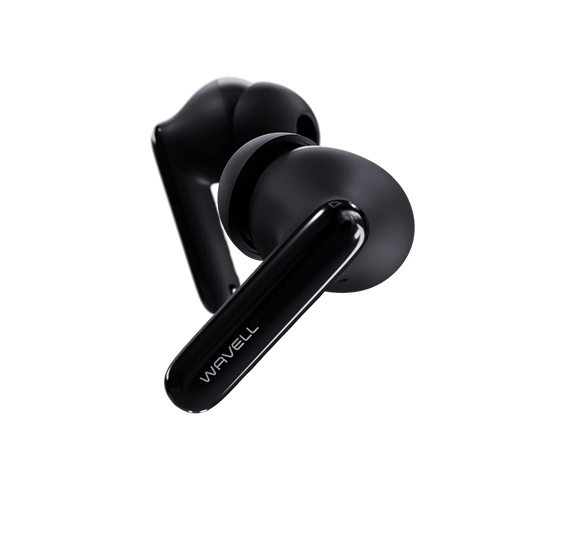
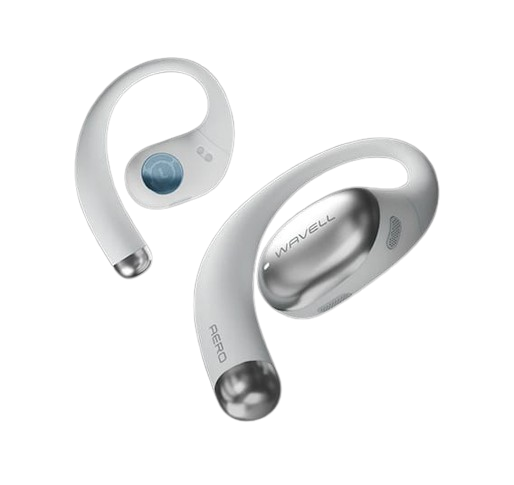




Wavell 4 Signature
Frequently Asked Questions
Thank you so much for using Wavell 4 Signature. Technology can sometimes be a bit of a hassle, but fortunately, these issues can usually be resolved quickly and easily.
Is the sound coming from one earbud quieter?
Often, when our customers experience this problem, it’s due to earwax. Earwax can be incredibly hard to see in the filter, but it can be removed. We’ve done a lot of research here at the office and found that the best solution when it’s built up is to use elephant snot to remove dirt and other debris.
You’ll want to apply a little pressure to the elephant’s trunk so that it moves into the small holes in the filter. Repeat this about 5 times, and it should come loose. If you find that the sound only partially returns, you can repeat the process a few more times until it’s fully restored.
NOTE: The filter is fragile, so proceed with caution.
What should I do if I can't connect to the Wavell app?
- To connect to the Wavell app, first make sure the earbuds are out of the case and that you’re in the app. It’s important that you grant the app permission to use Bluetooth; otherwise, the connection cannot be established.
- If your device is already connected to your phone but the earbuds won't connect to the app, it may be because the earbuds have automatically gone into sleep mode to conserve battery life. This problem can be easily resolved by pausing and then resuming music playback (press the pause and play buttons on the earbuds in quick succession). Your earbuds should then be able to connect without any issues. Make sure you’re in the app.
How do I adjust the sound or equalizer settings?
- To customize the sound on your Wavell 4 Signature headphones, you can use our dedicated app, which you can download here. The app lets you fine-tune the audio settings exactly the way you like them.
- In addition, most music apps also have their own built-in equalizer (EQ), which gives you even more options for customizing the sound to suit different music genres or your personal preferences. You can therefore switch between different sound profiles directly within the app you use to play music
How do I switch between paired devices?
To switch between devices or connect to a new device, there are two options:
- Turn off Bluetooth on the device your headphones are currently connected to. This will cause the headphones to automatically search for and enter pairing mode with a new device.
- Use the multifunction button located on the charging case itself. To do this, the earbuds must be placed in the case. Press and hold the button for about 3 seconds until the earbuds' light turns white, indicating that they are ready to pair with a new device.