







Wavell Junior
Frequently Asked Questions
Thank you so much for using Wavell Junior. Technology can sometimes be a bit of a hassle, but fortunately, these issues can usually be resolved quickly and easily.
Who is the Wavell Junior designed for?
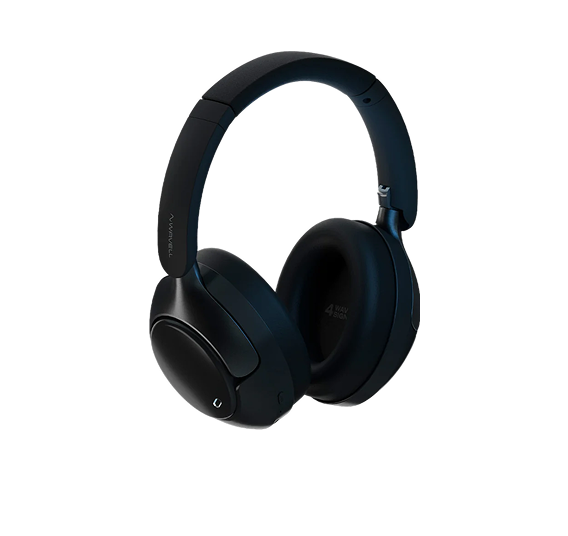
Wavell Junior are wireless over-ear headphones designed for children (recommended for ages 4 and up). They're made for everyday use—school, iPad, travel, and relaxing at home.
How does SafeList work?
SafeListen limits the maximum volume to a safe level so that your child can listen more safely—even if the volume on the phone or tablet is turned up.
How do I connect the Wavell Junior wirelessly?
- Turn on the headphones.
- Put them into pairing mode (typically by holding down the power/Bluetooth button—see the manual).
- Find “Wavell Junior” in the Bluetooth list and tap “Connect.”
Can they be used with a cable?
Yes. The Wavell Junior can also be used with an AUX cable (which is handy for places like airplanes, school equipment, or if the battery is dead).
Can I use the microphone for calls and online classes?
Yes, the Wavell Junior has a built-in microphone, so it can be used for calls, gaming chat, and online classes.
I can't find my manual
Can they withstand being bent and tossed into a bag?
Yes—BendSafe is designed for everyday use and features a more flexible, durable headband. Feel free to fold them up when you're on the go.
How do I charge the Wavell Junior?
They charge via USB-C. Make sure the connector is plugged in properly, and feel free to charge them in a dry place.